








Quick answer: A standard WordPress maintenance retainer includes core, theme, and plugin updates (usually tested on staging first), daily offsite backups, uptime and security monitoring, malware scanning, periodic reporting, and a set amount of included developer time for small fixes. Higher tiers add performance optimisation, a content updating SLA, faster response times, and dedicated support.
Table of contents
The baseline every retainer should include
Regardless of price, a legitimate maintenance retainer should cover these fundamentals. If a plan is missing more than one of these, it’s worth asking why.
- Core, theme, and plugin updates: Applied on a regular schedule, not just “when we get to it.”
- Staging-tested updates: Changes are tested on a copy of the site before going live, so a bad plugin update doesn’t take down your production site.
- Offsite backups: Stored somewhere other than your live server, with a real schedule, daily is standard for anything business-critical.
- Backup restore testing: A backup nobody has ever restored from is a hope, not a plan. Ask how often restores are tested.
- Uptime monitoring: Automated checks that alert someone (ideally a human, not just an email that goes unread) when the site goes down.
- Security/malware scanning: Regular automated scans, with a defined process for what happens if something is found.
- Reporting: A quarterly to bi-annual summary of what was done, updates applied, issues found, uptime stats. If a provider can’t show you concrete reports, be skeptical of what’s actually happening behind the scenes.
What separates an $40/month plan from a $150/month plan
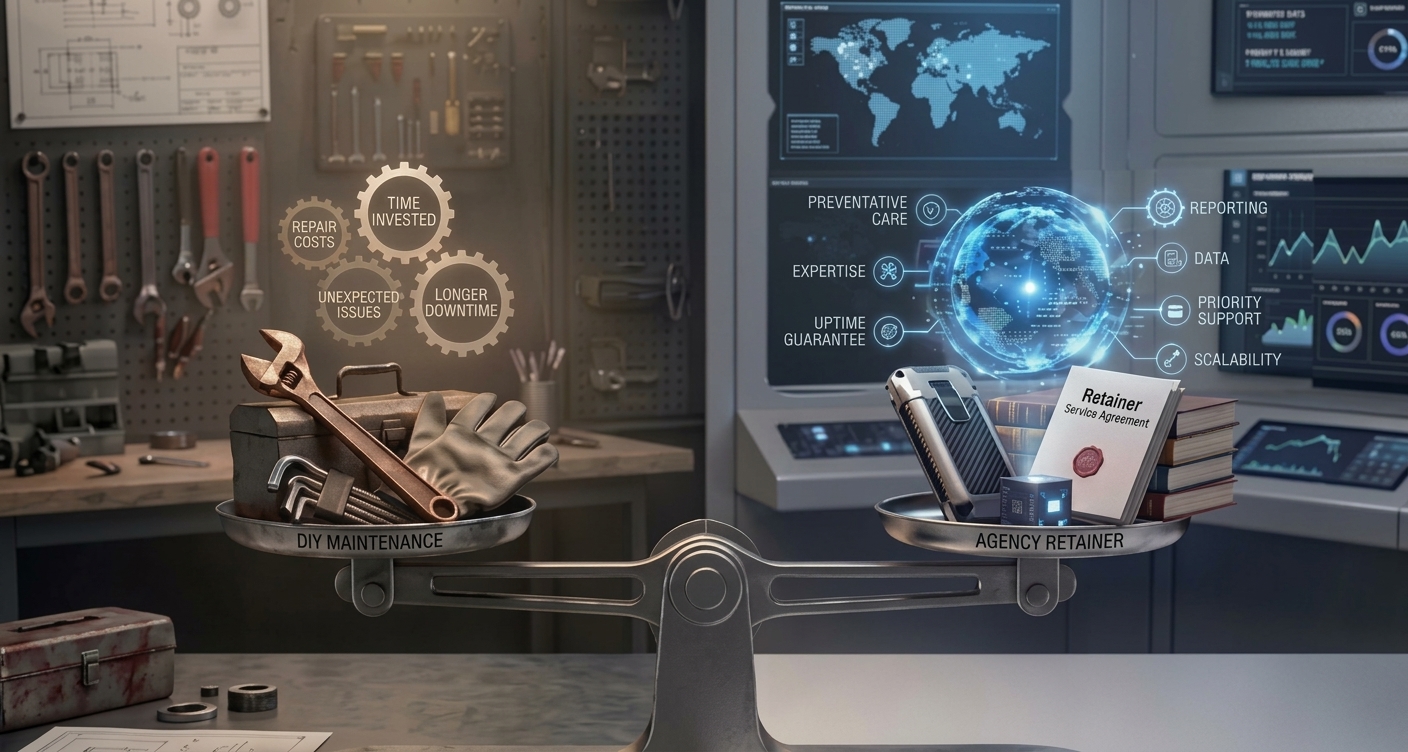
The tools involved are often similar. The difference is almost entirely about human involvement:
| Service Area | Budget tier (~$40–$80/mo) | Standard managed tier (~$150–$300/mo) |
|---|---|---|
| Updates | Automated, no staging | Tested on staging before going live |
| Backups | Weekly, sometimes on the same server | Daily, offsite, restore-tested |
| Security | Automated scan only | Scan plus human review of alerts |
| If something breaks | You troubleshoot or pay hourly | Included dev time covers small fixes |
| Reporting | Minimal or none | Periodic reporting with a real person reviewing it |
What premium retainers add on top
At the higher end (roughly $300/month and up, more for ecommerce), retainers typically add:
- Performance optimisation: Not just caching plugins, but actual Core Web Vitals monitoring and tuning
- Faster response time guarantees: Same-day or same-hour response for urgent issues, sometimes with an SLA in writing
- More included dev hours: Enough to cover ongoing small content changes, not just emergency fixes
- A dedicated point of contact: Who knows your specific site rather than a rotating support queue
- Proactive vulnerability monitoring: Patching known security holes the same day they’re disclosed rather than waiting for the next scheduled update cycle

How to vet a retainer before you sign
Reporting is the easiest thing to check first, ask to see an anonymised example of what a client actually receives in a report. A provider doing real work will have something concrete to show you; a vague answer here usually means the work behind the scenes is thinner than the sales page suggests.
Backups deserve the same scrutiny. It’s not enough to hear that backups happen daily, ask specifically when the provider last restored one to confirm it actually works, because a backup that’s never been tested is a guess, not a guarantee.
The same “get it in writing” instinct applies to malware and hack cleanup: some retainers fold that into the monthly fee, others treat it as a separate emergency charge, and you want to know which before you’re in the middle of an incident, not after.
It’s also worth asking who’s behind the account day to day, a named senior developer, a junior working under supervision, an outsourced team, or largely automated tooling.
None of these are automatically wrong, but the price should make sense for whichever one you’re getting. And before signing anything, ask what offboarding looks like: whether you’d get full admin access, current backups, and documentation handed over cleanly if you ever switched providers. A provider that gets vague about this question is telling you something about how the relationship will end.
What’s usually not included, even in good retainers
- Major redesigns or new feature development: Retainers cover maintenance and small fixes, not building new pages or custom functionality from scratch
- Content writing: Most plans maintain the site technically, not the words on it
- Third-party service costs: Hosting, premium plugin licenses, and email services are often billed separately unless explicitly bundled
- SEO strategy work: Technical SEO health might be monitored, but keyword strategy and content marketing are usually a separate service
FAQs
It varies widely, but around 1 hour per month is common at mid-tier pricing. Confirm whether unused hours roll over or expire, most don’t.
Sometimes. Some providers manage only the WordPress layer and expect you to have separate hosting; others bundle hosting into the retainer for a single point of responsibility. Confirm this before comparing prices across providers, since it changes what you’re actually comparing.
With a staging-tested process, this should be rare, the update gets caught and fixed on staging before it ever reaches your live site. If it does happen live, a good retainer includes the dev time to fix it without an extra bill.
Usually, yes most retainers use the included developer time to diagnose and fix everyday issues like a broken layout, a plugin conflict, or a form that stops working, regardless of what triggered it. What’s typically not covered is anything that falls under “new feature development” rather than a fix — for example, an error caused by custom code a previous developer wrote, or an issue tied to a third-party service outside the site itself. Ask a provider to define where a covered fix ends and a billable project begins before you sign.
Even low-traffic sites benefit from backups and security monitoring, since attacks are often automated and don’t care how much traffic you get. A lighter, budget-tier retainer is often enough at that scale.
Need a strong team specialised in WordPress Website Maintenance?
Speak to our team at SBWD today to get a free website security audit to see what security gaps there are to fill.